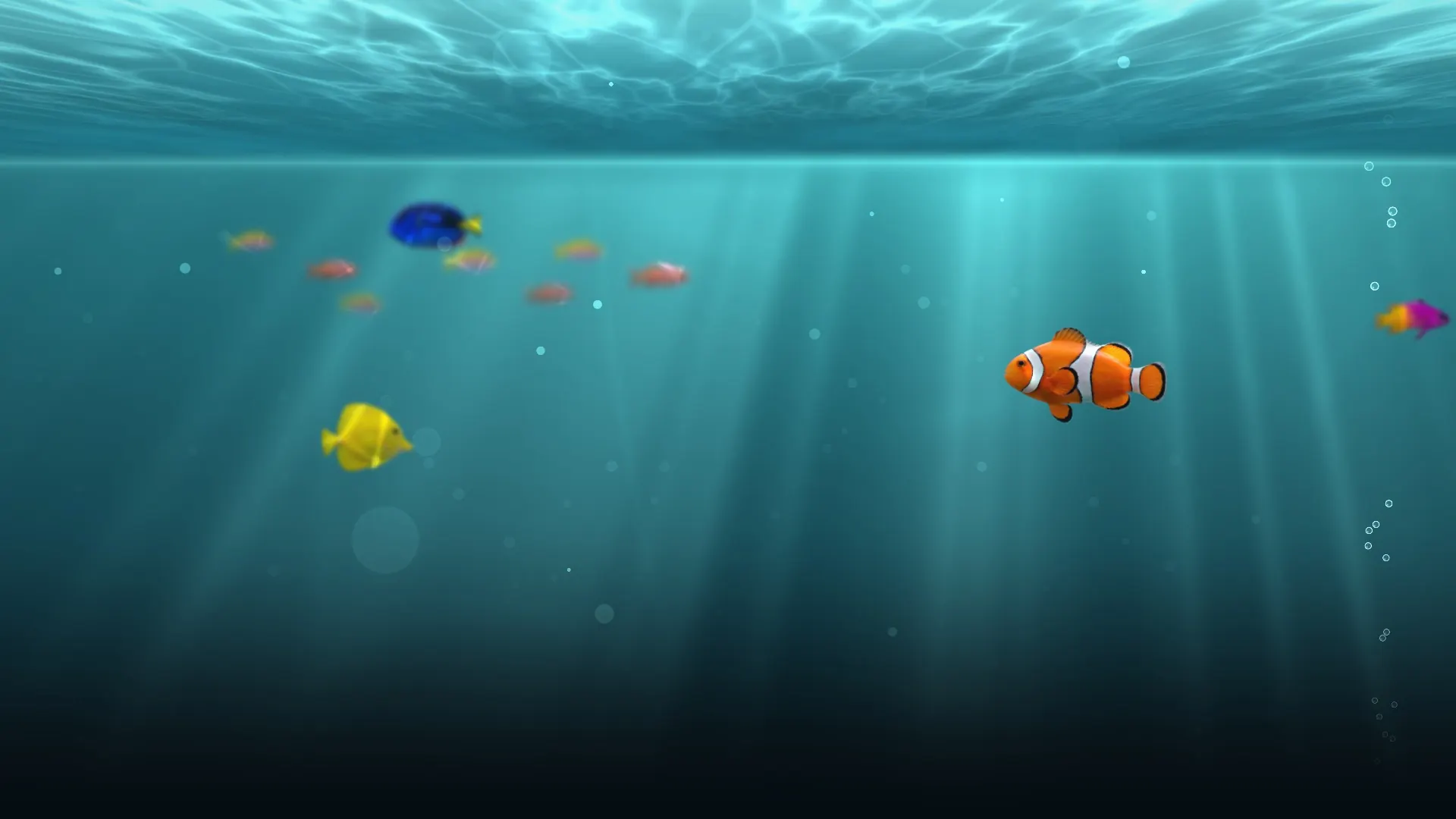
A living aquarium on your Apple TV
LumaReef draws a 3D reef on your TV as it happens. You look after it from your phone: feed the fish, wipe the glass, add new species and change the view. Free to download, with no ads.
Download for Apple TVFree on the App Store. Apple TV HD and Apple TV 4K, tvOS 17 or later. No Apple TV? Open this address in your TV's browser, nothing to install: tv.lumareef.net
Drawn live, not a video
The water surface is simulated and light bends through it onto the sand. Every fish swims the way its species does, so the tank never plays the same minute twice.
Your phone is the remote
The TV shows a QR code and six digits. Scan it with the LumaReef app and the screen joins your aquarium. Fish you pick on your phone drop into the water on the TV.
Five ways to watch
Front, outside, side, top, or dive in among the fish. Switch views from your phone.
It keeps living while you are away
Fish get hungry and the glass gets dirty even when the app is closed. A notification tells you when they need you.
Questions
Is LumaReef free on Apple TV?
Yes, it is free to download. Your first aquarium, a 60 cm reef tank with your first fish, is a gift. Species, decor and bigger tanks are bought with coins, and LumaReef Plus is an optional subscription.
Which Apple TV models does it run on?
Apple TV HD and every Apple TV 4K, on tvOS 17 or later.
Do I need a phone?
Yes. The aquarium lives in your account and you look after it from the LumaReef app on your phone. The TV shows a code, and pairing takes a few seconds.
Are there ads?
No. LumaReef shows no ads and carries no analytics or tracking.
Put a reef on your TV
Download for Apple TVYou look after the tank from the LumaReef app on your phone: App StoreGoogle Play